FrontDesk.
Property management
Running a building is a lot of moving pieces — tenant texts at 11pm, maintenance tickets aging in your inbox, lease renewals you meant to send last week, inspection deadlines you hope you didn't miss.
FrontDesk is the operations dashboard that runs it all in one place. Battle-tested at The Harding Centre in Ohio (66 units, mixed-use), and paired with a custom website written from scratch for your brand. Typical build: 3–4 weeks.
Because the engine is already built and proven, your FrontDesk gets configured to your building — your data, your terminology, your aesthetic — for significantly less than a bespoke dashboard built from scratch.
Independent landlords and small property managers.
Mixed-use, residential-only, or commercial. One person managing the whole operation, or a small team running a single building (or a handful of related buildings). Size of the building isn't the constraint — a solo landlord with 400 units in one building fits FrontDesk just fine. If your day still involves spreadsheets, group texts, sticky notes, and remembering things in your head, this is built for you.
Not for: Portfolio management companies with regional teams, role-based permissions, or many buildings under separate ownership. If you need a building switcher, cross-portfolio reporting, or nested management hierarchies, you'd be better served by enterprise software designed for that scale.
Everything Harding uses, hyperpersonalized to your building.
Tenant messaging
Tenants text the building. Tickets, replies, and emergency pages happen automatically. Every conversation threaded by unit.
Maintenance tickets
Requests become tickets. Tickets get assigned, age-flagged, and resolved. Repeat issues at the same unit surface on their own.
Inspection tracking
Elevator, fire alarm, HVAC, backflow, pest. Contractors get texted when tests are due. Overdue items are flagged automatically.
Lease renewals & notices
Automated outreach well before expiration. Move-out workflow for tenants leaving. Welcome sequences for new move-ins.
White Glove
Helps you keep track of your tenants and their special days — birthdays, anniversaries, move-in dates, holiday greetings — and sends the right note on the right day. So nobody gets forgotten.
Inquiry pipeline
Website form submissions land on the dashboard within seconds. Reply immediately or schedule a follow-up. Conversion tracked end-to-end.
Voicemail
Missed calls get transcribed and queued. Listen, convert to a ticket, or set a reminder — all from the dashboard.
Staff directory
Everyone who works the building in one place. Who gets notified for urgent issues, routine maintenance, and off-hours emergencies.
Hosting & backups
The dashboard runs on an AI-agent-compatible Mac Mini in your office. Nightly backups to local disk and SD card. Battery backup for power outages.
System alerts
A red badge appears when something needs attention. Silent when everything's fine.
Weekly summary
Occupancy, response time, renewal rate, inquiry conversion. The numbers that matter, in one weekly view, tuned to your building.
SMS consent
Every tenant has a signed consent form on file. The system enforces it automatically — no text sends without documented opt-in.
Blobby optional
A tamagotchi-style pet that mirrors your building's KPIs. Evolves when the month closes strong. Sleeps at night. Wakes for emergencies. Harding opted in — Greta's team checks the dashboard three times a day because there's a fish to look after. Skip it entirely if it's not your style. The dashboard works either way.
Yours, not just somebody else's hand-me-down.
Templates are deeply configured — not just delivered. Every surface a user sees is tuned to your business. Before we ship, we set up:
- Your building name, address, branding, and color accents
- Your unit list (residential, commercial, mixed)
- Your contractor roster (HVAC company, plumber, fire alarm, etc.)
- Your staff directory and notification preferences
- Your existing lease terms, rent dates, and notice periods
- Your specific compliance categories (varies by state and building type)
- Your White Glove tenant list and special dates
- Your domain name for the website inquiry form (or we set up a new one)
- Your Twilio number, Cloudflare Tunnel, SMTP relay
- Whether to include Blobby at all — and if so, his appearance (classic pink, or skinned to your building's colors)
Hardware that lives on your desk.
An AI-agent-compatible Mac Mini M4 wrapped in a retro Macintosh-style dock — sized for a desk, looks like 1988, runs in 2026. The Apple Silicon neural engine means it can run local AI agents on-device without sending your data to the cloud. UPS battery backup keeps it up through Ohio thunderstorms. SD card mirrors the daily backup. The whole thing fits in a shoebox.
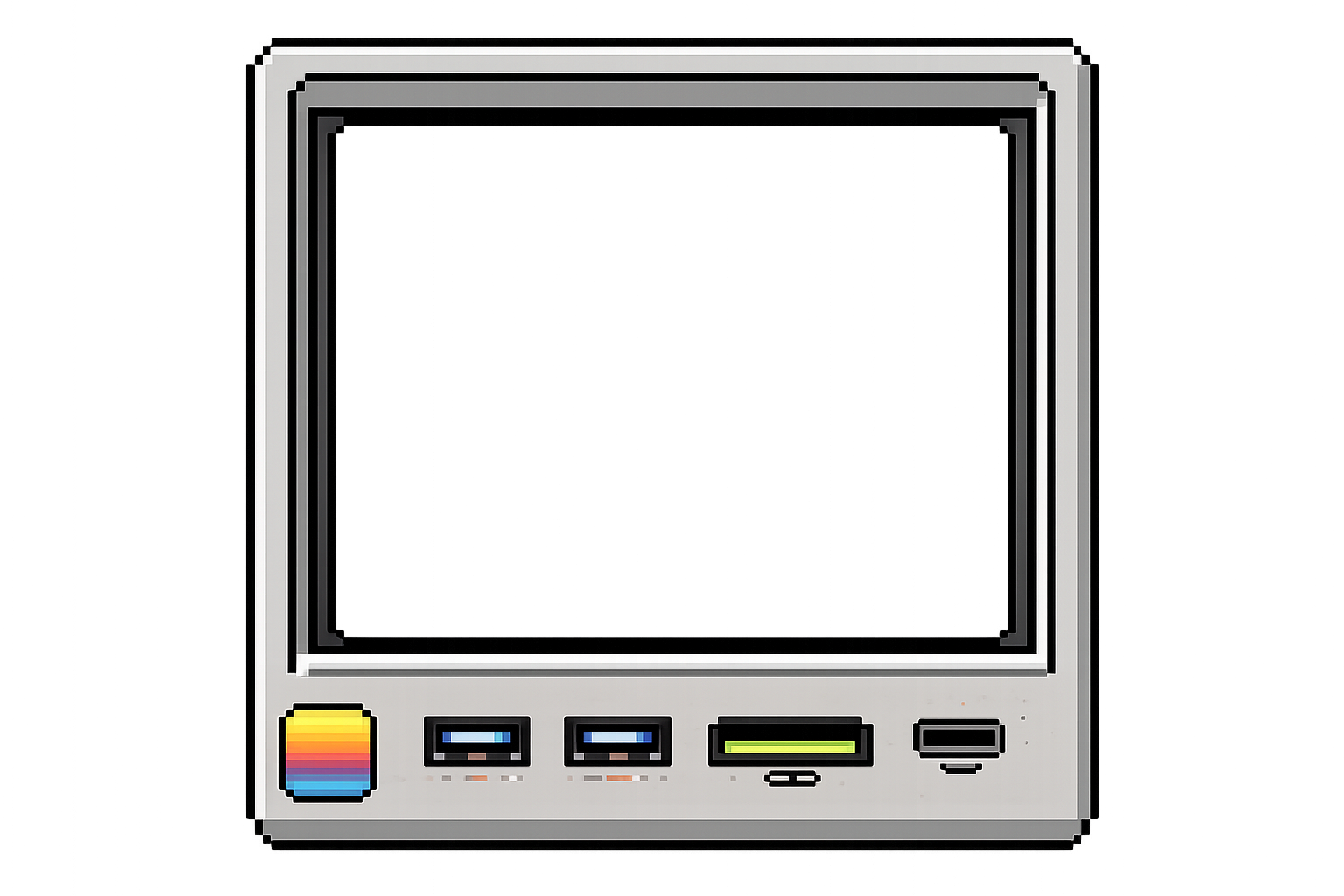
Week 1. Free 30-minute kickoff call. We collect your unit list, contractor info, staff directory, and existing systems. We send hardware (AI-agent-compatible Mac Mini in retro dock + UPS).
Week 1–2. We configure the template with your data, set up your Twilio number and tunnel, brand the dashboard, and run an internal test pass. You get progress demos along the way.
Install. For nearby clients, on-site setup, training, and a printed user guide. Remote clients get the same setup guidance and user guide, delivered digitally and in print.
After. Your software runs. Forever. Free. Optional Optimization Plan if you want us to keep improving the business after launch.
Harding Centre was first.
The whole template was designed and refined while building it for The Harding Centre — a 66-unit mixed-use building in Ohio. They get pioneer benefits forever. Read their story for a deeper dive into what the system actually does day-to-day.
Run a building that could use this?
Tell us about it. We'll quote a template build with a real timeline.
Start a conversation →